
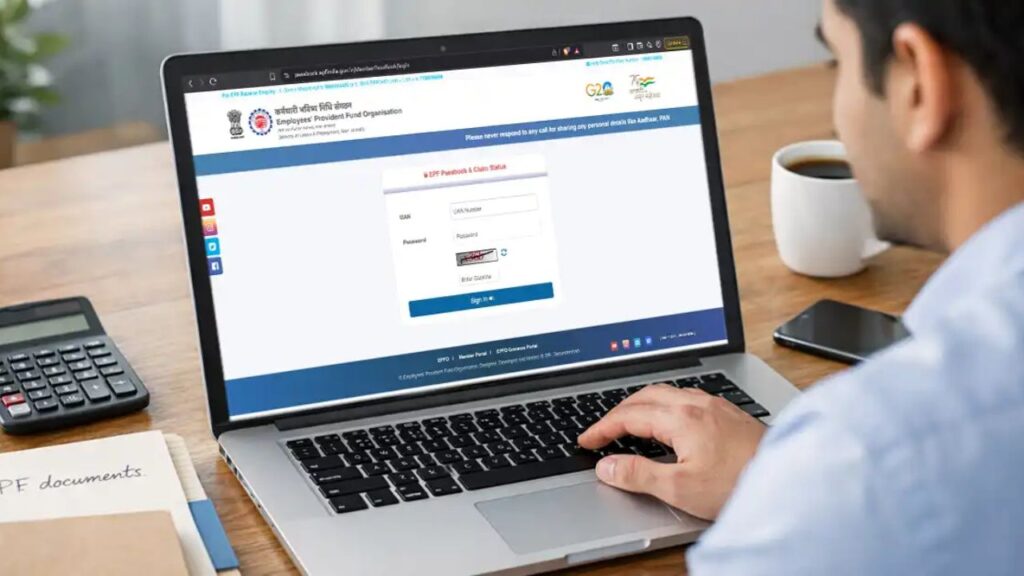
If you have applied for PF withdrawal, transfer, or pension, it is very important to regularly check your EPFO claim status.
Many people apply for EPF withdrawal but remain confused about:
- Whether their claim is approved or not
- Why the status shows “pending”
- When the money will be credited
- What to do if the claim is rejected
👉 This guide explains everything in detail, so you can track your EPF claim without confusion and solve issues quickly.
📌 What Is EPFO Claim Status?
EPFO claim status shows the current stage of your PF application.
It tells you:
- Whether your claim is received
- Under process
- Approved
- Rejected
- Payment sent
👉 In simple words:
It helps you track where your PF money is in the process.
🧠 Why Checking EPF Claim Status Is Important
Many users ignore this, but it is very important.
✔ Real Benefits
- Avoid unnecessary delays
- Know exact approval stage
- Take action if stuck
- Plan your finances
👉 Without checking status, you may miss important updates.
📊 Easy Ways to Check EPFO Claim Status
Here are all the available methods explained clearly:
| Method | How It Works |
|---|---|
| UAN Portal | Login → Online Services → Track Claim |
| UMANG App | EPFO → Employee Services → Track Claim |
| Missed Call | Dial 9966044425 |
| SMS | Send EPFOHO UAN ENG to 7738299899 |
👉 You can choose any method based on your convenience.
How to Download Form 15G for PF Withdrawal: A Complete & Simple Guide
📄 Prerequisites Before Checking Claim Status
Before checking, you must have the following:
- UAN (Universal Account Number)
- Registered mobile number
- Employer details
- EPF office details
👉 Without these, you may not be able to access your status.
🌐 How to Check EPFO Claim Status Online (Step-by-Step)
Let’s understand the most important method in detail.
Method 1: Using EPFO Website (Most Reliable)
Step 1: Visit EPFO Member Portal
Open the official EPFO website and go to the member login section.
Step 2: Login with UAN
Enter:
- UAN number
- Password
- Captcha
👉 Make sure your UAN is activated.
Step 3: Go to “Online Services”
After login, you will see the dashboard.
👉 Click on: Online Services
Step 4: Click “Track Claim Status”
From the dropdown menu:
👉 Select Track Claim Status
Step 5: View Claim Details
Now you will see:
- Tracking ID
- Claim type (Form 19 / 10C etc.)
- Current status
👉 This shows exactly where your claim stands.
📌 Extra Feature
EPFO also sends SMS alerts when:
- Claim is received
- Payment is transferred
👉 Make sure your mobile number is linked.
📱 Method 2: Using UMANG App (Mobile-Friendly)
Step 1: Install UMANG App
Download from Play Store or App Store.
Step 2: Login
Login using:
- Mobile number
- OTP or MPIN
Step 3: Go to EPFO Services
Select:
👉 Employee Centric Services
Step 4: Click “Track Claim”
Now select:
👉 Track Claim Status
Step 5: View Status
Your claim details will be displayed on screen.
👉 If no claim exists, it will show blank.
📞 How to Check EPF Claim Status Offline
If you don’t have internet, you can still check.
✔ Method 1: Missed Call
- Dial: 9966044425
- Call disconnects automatically
- You receive SMS with details
Condition:
- Mobile must be linked with UAN
- Aadhaar & bank details updated
✔ Method 2: SMS
Send SMS:
👉 EPFOHO UAN ENG to 7738299899
Language Codes Example:
| Language | Code |
|---|---|
| English | ENG |
| Hindi | HIN |
| Tamil | TAM |
| Telugu | TEL |
👉 You will receive claim or balance details via SMS.
What is Form 19? Complete Guide to EPF Withdrawal Form, Eligibility, Process & Rules
✔ Method 3: EPFO Helpline
Call:
👉 1800 118 005
Provide:
- UAN number
- PF account details
👉 Officer will tell your claim status.
📊 What Different EPFO Claim Status Means (Very Important)
Understanding status is crucial.
| Status | Meaning | Time |
|---|---|---|
| Payment Under Process | Approved, payment is being prepared | 2–3 days |
| Settled | Money sent to bank | 1–3 days |
| Pending at Employer | Employer approval pending | Depends |
| DA/AO Pending | Officer reviewing claim | 3–7 days |
| Rejected | Claim denied | Closed |
👉 This table helps you understand your situation clearly.
🚨 Common Problems & Solutions (High Value Section)
❌ Problem 1: Status “Settled” but Money Not Received
✔ Reason:
- Bank delay
- NEFT processing
✔ Solution:
- Wait 2–3 days
- Check bank details
- Recheck status
❌ Problem 2: Claim Rejected
✔ Common Reasons:
- Name mismatch
- Aadhaar mismatch
- Exit date not updated
✔ Solution:
- Submit Joint Declaration Form
- Update KYC
- Ask employer to update details
❌ Problem 3: Pending at Employer
✔ Reason:
- Employer has not approved
✔ Solution:
- Contact HR
- Request approval
❌ Problem 4: Certificate Not Enclosed
✔ Reason:
- Missing required documents
✔ Solution:
- Upload correct documents
- Reapply
❌ Can You Cancel EPF Claim?
👉 Online cancellation is NOT allowed.
✔ What You Can Do:
- Raise grievance on EPFiGMS portal
- Visit EPFO office
- Submit written request
👉 Only possible if claim is not settled.
🛡️ Important Tips for Users
✔ Always check claim status regularly
✔ Keep UAN active
✔ Ensure KYC is updated
✔ Verify bank details
✔ Contact employer if stuck
🔚 Final Conclusion
Checking your EPFO claim status is essential to track your PF withdrawal and avoid delays.
✔ Multiple tracking methods available
✔ Easy online process
✔ Clear status updates
👉 If you understand the status properly, you can solve most issues without visiting the office.
For more guides on PF, tax, and government services, explore Sarkari Bakery, where information is explained in a practical and user-friendly way.
❓ FAQs
Based on Google's Helpful Content System, this article emphasizes user value, transparency, and accuracy. It incorporates principles of E-E-A-T (Experience, Expertise, Authoritativeness, Trustworthiness).
Why Choose Sarkari Bakery?
Reliable guidance to help you understand government schemes, online applications and essential digital services.
Official Information
Information presented with relevant official sources wherever available.
Step-by-Step Guides
Clear instructions to understand application procedures and requirements.
Regular Updates
Helpful updates and guidance when information changes or becomes available.
People-First Content
Practical explanations designed around the questions citizens commonly ask.
GOOGLE BUSINESS PROFILE
Explore Our Profile
Visit our Google Business Profile to check the latest available business information and customer reviews.
View Google ReviewsPlease check Google for the current rating and available reviews.
Pingback: Form 19 – Eligibility, Requirements & Key Details Explained