How to Get an Indian Overseas Bank (IOB) Mini Statement Online & Offline
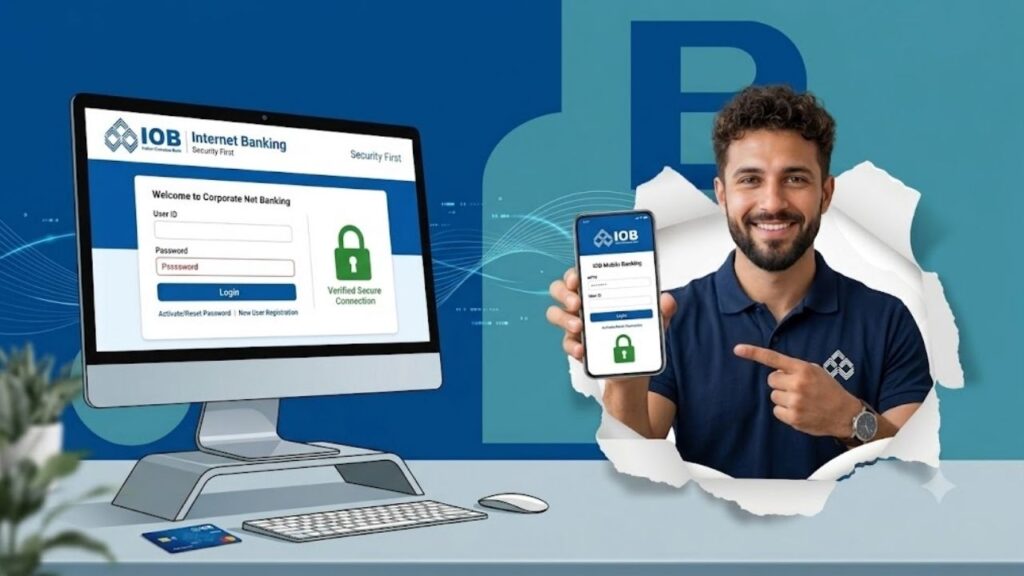
Keeping track of your recent transactions is essential for maintaining financial health and spotting unauthorized activities early. Indian Overseas Bank (IOB) provides several hassle-free ways for its customers to fetch a mini statement—showing the last 5 to 10 transactions—without the need to visit a bank branch. Whether you have a smartphone with high-speed internet or a basic feature phone with no connectivity, IOB has an option tailored for you. This guide outlines the exact, step-by-step methods to get your IOB mini statement instantly. 1. Quick Offline Methods (No Internet Required) If you are traveling, out of data, or using a basic feature phone, these offline banking methods are the fastest tools at your disposal. Method A: The Missed Call Service (Free & Instant) This is the absolute quickest offline way to check your recent transactions. Method B: SMS Banking If the missed call network is busy, you can use a direct SMS command. Method C: ATM Passbook Printing 2. Advanced Online Methods (Smartphone & Web) For users who want a rich, interactive look at their transaction history, IOB provides robust digital banking options. Method A: WhatsApp Banking IOB offers an official, encrypted WhatsApp interface to manage account summaries instantly. Method B: IOB Connect Mobile Banking App Method C: IOB Internet Banking Portal Summary Comparison of Methods Method Dedicated Number / Path Connectivity Requirement Expected Output Cost Missed Call 8424022122 No Internet Required SMS with last 5 entries Free SMS Banking MINI <Last4> to 8424022122 No Internet Required SMS with last 5 entries Standard SMS Charges WhatsApp +91 8424022122 Internet Required In-app message block Free data usage Mobile App IOB Connect App Dashboard Internet Required Digital screen view Free data usage ATM Terminal Any Bank ATM Location Physical Terminal Printed paper receipt Free Important Pre-Requisite: Mobile Number Registration To access the missed call, SMS, or WhatsApp banking channels, your active mobile number must be linked to your IOB account database. If it is not registered yet, you can set it up by following these steps: Conclusion Indian Overseas Bank makes tracking your finances simple and flexible. If you are offline, a quick missed call to 8424022122 is all it takes to get an update. For a deeper look, the IOB Connect app or WhatsApp banking can provide a quick digital summary. Regularly monitoring these statements helps protect your hard-earned money and keeps your account secure. For more simplified financial tutorials, banking tool updates, and digital compliance guides, make sure to visit Sarkari Bakery to easily stay on top of your financial management. Frequently Asked Questions (FAQs) If you prefer a visual guide on navigating digital banking steps to pull a statement, you can watch this helpful IOB Account Statement Mobile Tutorial. This video walks through the digital steps to view or download statement histories easily on your smartphone.