
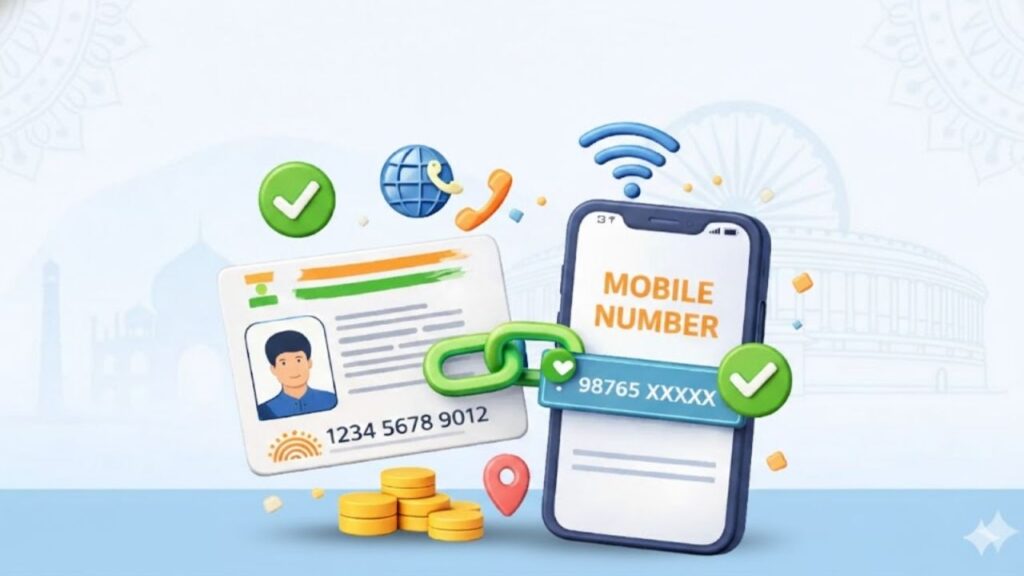
Many people face sudden issues while accessing government services, banking, or subsidies—OTP not received, verification failed, or services blocked. In most cases, the root cause is simple: the mobile number is not linked with Aadhaar or is outdated. Aadhaar is no longer just an identity document; it works as a live verification system, and your mobile number plays a critical role in it.
Understanding why mobile number linking with Aadhaar is important can help you avoid service disruptions, failed applications, and unnecessary visits to government offices.
⭐ What Does Linking a Mobile Number With Aadhaar Mean?
Linking a mobile number with Aadhaar means registering your active phone number in the UIDAI database. This number is used for:
- OTP-based authentication
- Identity verification
- Status updates for services
- Security alerts
Without a linked mobile number, Aadhaar becomes a limited-use document instead of a fully functional digital ID.
⭐ Why Aadhaar-Mobile Linking Is Crucial Today
Aadhaar authentication has shifted heavily towards digital verification. Most services now depend on OTP confirmation sent to the registered mobile number.
Key reasons why linking is essential:
- Identity verification happens instantly
- Reduces fraud and impersonation
- Confirms that Aadhaar usage has your consent
- Enables remote services without physical visits
Aadhaar Mobile Number Update – A Simple and Complete Guide for Everyone
This is why Aadhaar-linked mobile numbers are mandatory for many online and offline processes.
⭐ Where Aadhaar-Linked Mobile Number Is Required
A linked mobile number is needed across multiple sectors:
Government Services
- Direct Benefit Transfer (DBT)
- Pension and scholarship schemes
- Ration card updates
- Income and caste certificates
Banking & Finance
- Bank account KYC
- PAN verification and updates
- OTP-based transactions
- Loan and subsidy verification
If you are completing PAN-related formalities, Aadhaar OTP is often required during PAN linking and verification steps.
⭐ Role of Mobile Number in Aadhaar Authentication
Whenever Aadhaar is used for verification, UIDAI checks whether the request is authorised by the Aadhaar holder.
This happens through:
- OTP sent to the registered mobile number
- User consent confirmation
How to Link Mobile Number With Bank Account Online? (Step-by-Step Process)
Without this step, Aadhaar authentication fails, even if all details are correct.
⭐ What Happens If Mobile Number Is Not Linked?
If your mobile number is not linked with Aadhaar, you may face:
- Failed OTP verification
- Rejection of online applications
- Inability to update Aadhaar details online
- Banking and KYC restrictions
- Delay or stoppage of government benefits
Many users discover this problem only when an urgent service fails.
⭐ Common Mistakes People Make
These mistakes often lead to Aadhaar-related issues:
- Using an old or inactive mobile number
- Assuming linking was done automatically
- Not updating Aadhaar after changing SIM
- Sharing wrong OTP during verification
- Ignoring Aadhaar update messages
TANGEDCO Aadhaar Link Guide 2025: How to Link Your EB Number with Aadhaar & Check Status
If your number has changed, booking an Aadhaar appointment for update is the safest way to fix it.
⭐ Is Mobile Number Linking Mandatory?
Technically, Aadhaar can exist without a mobile number. However, most Aadhaar-based services will not work without it.
In practical terms:
- Aadhaar without mobile = limited access
- Aadhaar with mobile = full digital access
That’s why linking is strongly recommended even if not legally mandatory in every case.
⭐ How Secure Is Aadhaar Mobile Linking?
UIDAI has strict security protocols:
- OTP is sent only to registered number
- No biometric data is shared via OTP
- Consent is mandatory for authentication
- Masked Aadhaar can be used where allowed
Your mobile number acts as a security layer, not a risk, when used correctly.
⭐ When Should You Update Your Aadhaar Mobile Number?
You should update immediately if:
- You changed your SIM
- Your old number is inactive
- OTPs are not reaching you
- Aadhaar services are getting rejected
Delaying the update can cause repeated failures across multiple services.
🔚 Conclusion
Linking your mobile number with Aadhaar is no longer optional in real-life usage. It is the key to authentication, security, and uninterrupted access to banking, government schemes, and digital services. A small update today can save you from major problems later.
For clear, practical guidance on Aadhaar updates, banking rules, and government documentation explained in simple language, visit Sarkari Bakery.
❓ Frequently Asked Questions
Based on Google's Helpful Content System, this article emphasizes user value, transparency, and accuracy. It incorporates principles of E-E-A-T (Experience, Expertise, Authoritativeness, Trustworthiness).
Why Choose Sarkari Bakery?
Reliable guidance to help you understand government schemes, online applications and essential digital services.
Official Information
Information presented with relevant official sources wherever available.
Step-by-Step Guides
Clear instructions to understand application procedures and requirements.
Regular Updates
Helpful updates and guidance when information changes or becomes available.
People-First Content
Practical explanations designed around the questions citizens commonly ask.
GOOGLE BUSINESS PROFILE
Explore Our Profile
Visit our Google Business Profile to check the latest available business information and customer reviews.
View Google ReviewsPlease check Google for the current rating and available reviews.
Pingback: Indira Gandhi Hospital Dwarka: Services, OPD Timing, Facilities & Important Information - Sarkari Bakery
Pingback: How to Link Mobile Number With Bank Account Online? (Step-by-Step Process) - Sarkari Bakery
Pingback: ESIC Payment: How to Make ESIC Payment Online & Important Deadlines Explained - Sarkari Bakery
Pingback: Ration Cards: Process & Key Details Eligibility Documents
Pingback: DigiLocker Account Create: How to Register, Verify Mobile & Aadhaar, Set PIN and Access Documents - Sarkari Bakery
Pingback: Upload Documents to DigiLocker: How to Upload PDF, JPG & PNG Files Online - Sarkari Bakery
Pingback: Aadhaar Linked Mobile Number Check: How to Check Registered Mobile Number Online - Sarkari Bakery