
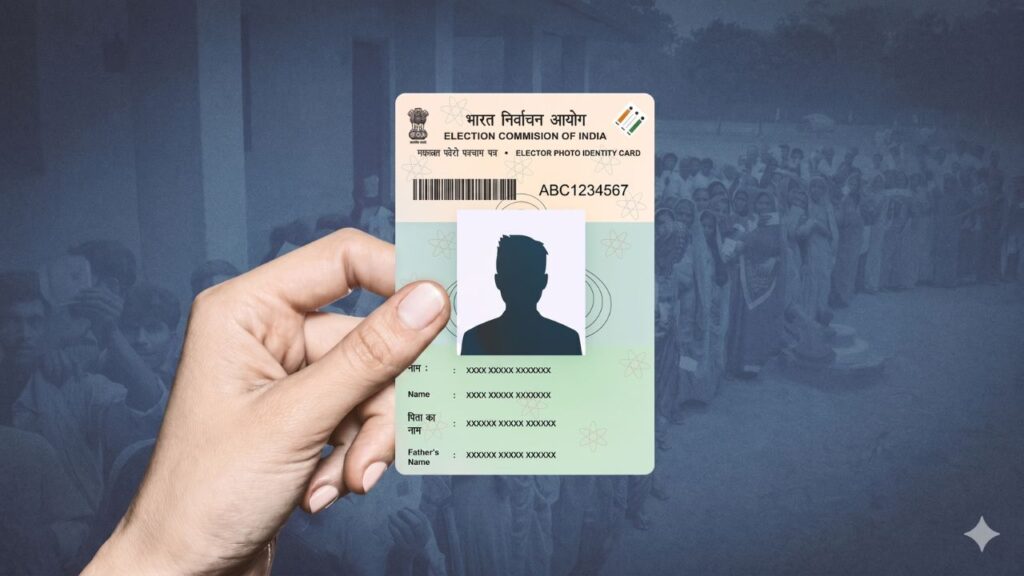
Having an accurate name on your Voter ID card (EPIC) is essential to ensure a smooth voting process and maintain correct electoral records. If your name is misspelled, or if you have changed your name due to marriage or legal reasons, you can correct it entirely online.
The Election Commission of India (ECI) provides an official platform to update your voter details through Form 8.
Prerequisites & Required Documents
Before filling out the online form, keep a scanned, self-attested copy of one of the following supporting documents ready as proof for the name change:
- Official Gazette Notification for Name Change
- Marriage Certificate (for name change after marriage)
- Indian Passport
- PAN Card
- Driving License
How to Vote in India: Complete Voter Registration & Voting Process Explained
Step-by-Step Process to Change Name Online
You can submit your application online through the official Voters’ Services Portal or via the Voter Helpline App.
Step 1: Access the Portal
- Visit the official website at Voters’ Services Portal (voters.eci.gov.in).
- Log in using your registered mobile number and password. If you are a new user, click on “Sign-Up” to create your credentials using your mobile number.
LIC Golden Jubilee Scholarship 2026: Eligibility, Amount, Application Form, Last Date & Selection
Step 2: Open Form 8
- On the main dashboard, look for the section to update or correct your details in the electoral roll.
- Select ‘Form 8’ (Application for Shifting of Residence/Correction of Entries).
- Choose whether you are updating your own details (‘Self’) or applying for an ‘Other Elector’, then enter your Voter ID (EPIC) number.
Step 3: Select Correction Type
- Your basic voter details will populate on the screen. Review them and click ‘OK’.
- From the options provided, select “Correction of Entries in Existing Electoral Roll”.
Step 4: Fill in Correct Details & Upload Proof
- Under the section “Please tick the entry which is to be corrected”, check the box next to ‘Name’.
- Type your correct name and surname in the provided fields as they should appear on your new card.
- Upload the scanned, supporting legal document (e.g., Gazette, Marriage Certificate, Passport) confirming your correct name.
Step 5: Submit the Application
- Fill in your location details in the declaration section, complete the graphic captcha code, and click ‘Submit’.
- The portal will generate a unique Reference Number. Copy and save this number securely to track the progress of your application.
How to Change Name in Aadhaar Card Online & Offline (Step-by-Step Guide 2025)
How to Track Application Status
Once submitted, the Election Commission processes your request, which usually takes around 2 to 3 weeks to complete field verification. You can check the status at any time:
- Go to the Voters’ Services Portal homepage and click on ‘Track Application Status’.
- Input your unique Reference Number generated during submission.
- Select your corresponding State and click ‘Submit’.
- The screen will display the current processing phase of your verification.
Once approved, the corrected name will reflect in the next official voter list, and a replacement digital copy (e-EPIC) can be downloaded instantly via the portal.
Conclusion
Correcting a mistake or legally changing your name on your Voter ID card ensures your dynamic civic records stay fully verified. By using the official online Form 8 portal or the mobile application, you can bypass manual verification queues at electoral offices. Ensure your supporting document clearly displays the new formatting to guarantee an administrative approval.
For more simplified step-by-step guides on civil document updates, registration portals, and identity verification compliance, visit Sarkari Bakery to streamline your day-to-day administrative needs.
Name Change Affidavit: Why It Is Important and How You Can Get It Made From Home Through WhatsApp
Frequently Asked Questions (FAQs)
Based on Google's Helpful Content System, this article emphasizes user value, transparency, and accuracy. It incorporates principles of E-E-A-T (Experience, Expertise, Authoritativeness, Trustworthiness).
Why Choose Sarkari Bakery?
Reliable guidance to help you understand government schemes, online applications and essential digital services.
Official Information
Information presented with relevant official sources wherever available.
Step-by-Step Guides
Clear instructions to understand application procedures and requirements.
Regular Updates
Helpful updates and guidance when information changes or becomes available.
People-First Content
Practical explanations designed around the questions citizens commonly ask.
GOOGLE BUSINESS PROFILE
Explore Our Profile
Visit our Google Business Profile to check the latest available business information and customer reviews.
View Google ReviewsPlease check Google for the current rating and available reviews.