
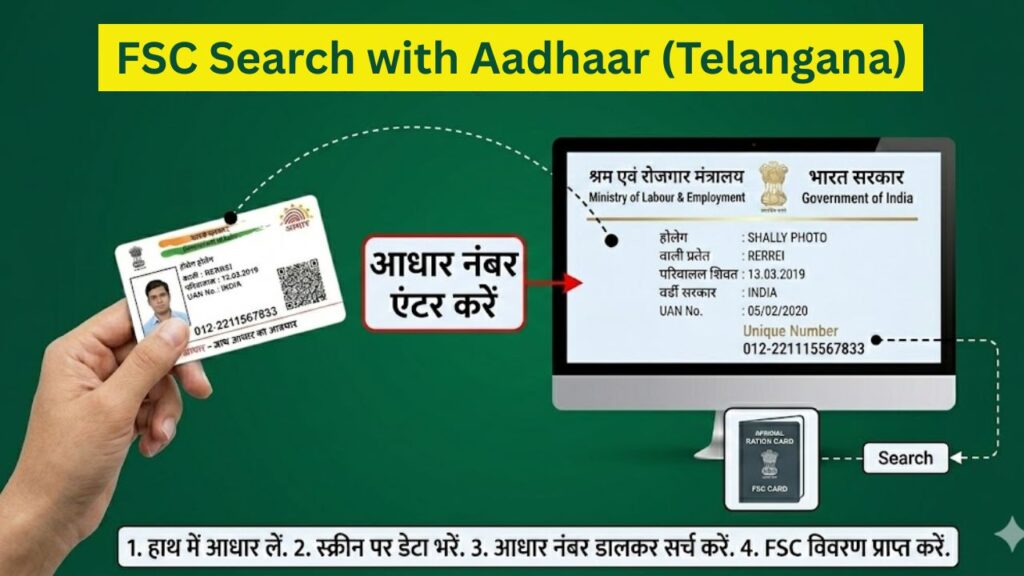
If you live in Telangana and want to check your ration card details or application status, the FSC search with Aadhaar number is one of the easiest and fastest methods available today.
Earlier, people had to visit government offices or stand in long queues just to check their ration card status. But now, with the EPDS Telangana portal, you can access all your FSC details online within minutes using your Aadhaar number.
📌 What Is FSC (Food Security Card)?
FSC stands for Food Security Card, which is issued under the Public Distribution System (PDS) and the National Food Security Act (NFSA).
It is a government document that allows eligible families to receive:
- Subsidized rice, wheat, and essential food items
- Welfare scheme benefits
- Financial support through government programs
🧠 Why FSC Is Important in Real Life
Having a valid FSC means:
✔ You can buy ration at lower prices
✔ You are officially recognized under government welfare schemes
✔ Your family data is recorded in the state system
👉 Without an FSC, you may miss important benefits.
🔗 Why Aadhaar Is Used for FSC Search
Ration Card Status Check – How to Check Ration Card Status Online?
✔ Benefits of Aadhaar-Based FSC Search
- Instant verification of your ration card
- No need to remember FSC number
- Reduces duplicate or fake cards
- Helps in direct benefit transfer (DBT)
👉 Aadhaar acts as a unique identity key to fetch your ration card details.
🧾 Types of FSC (Ration Cards) in Telangana
When you search your FSC, you will see your card category. This determines your benefits.
| Card Type | Who Gets It | Benefits |
|---|---|---|
| AAY (Antyodaya) | Poorest families | Maximum subsidy |
| PHH (Priority Household) | Low-income families | Regular ration benefits |
| APL (White Card) | Above poverty line | Limited benefits |
👉 Understanding your card type helps you know what benefits you are eligible for.
🌐 Step-by-Step: FSC Search with Aadhaar Number (Detailed Explanation)
Now let’s understand the full process in a clear and practical way.
Step 1: Open the Official EPDS Telangana Website
First, go to the official portal:
⚠️ Important:
- Always check that the website ends with .gov.in
- Avoid fake or third-party websites
👉 This ensures your data remains safe.
Step 2: Navigate to FSC Search Section
On the homepage, you will see multiple options.
Look for:
👉 “FSC Search”
What This Section Does
This section allows you to search ration card details using different methods like:
- FSC number
- Aadhaar number
- Ration card number
👉 For this guide, select Aadhaar-based search.
Ration Card e-KYC: Online Verification, Aadhaar Linking & Status Check
Step 3: Select “Search by Aadhaar Number”
After entering the FSC search section:
👉 Choose “FSC Search with Aadhaar Number”
📌 Important Condition
This method works only if:
✔ Your Aadhaar is already linked with your ration card
👉 If not linked, results will not appear.
Step 4: Enter Aadhaar Number and District
Now you will see a form where you need to enter:
- 12-digit Aadhaar number
- District (example: Hyderabad, Warangal, etc.)
⚠️ Important Instructions:
- Enter Aadhaar carefully (no mistakes)
- Do not add spaces
- Select correct district
👉 Even one wrong digit can show “No Record Found”.
Step 5: Click Search and View Your FSC Details
After entering details:
👉 Click on Search
What You Will See
Your FSC details will appear on the screen, including:
- Ration card number
- Card type (AAY/PHH/APL)
- Family member list
- Application status (Approved/Pending/Rejected)
- Fair Price Shop (ration shop) details
👉 This confirms your ration card is active and valid.
Step 6: Download or Print FSC Details
After viewing your details:
👉 You can download or print the FSC information.
Why This Is Useful
- Required for verification
- Useful for government schemes
- Backup copy for future use
👉 Always keep a digital or printed copy safe.
TNEB Aadhaar Link: Complete Guide to Link Aadhaar with TNEB and Check Status
🚨 Common Problems and Their Solutions
Many users face issues while searching FSC.
Problem 1: Aadhaar Not Linked
Reason: Aadhaar not connected with ration card
✔ Solution: Visit MeeSeva center and link Aadhaar
Problem 2: Wrong Details Showing
Reason: Data mismatch
✔ Solution: Update Aadhaar or FSC records
Problem 3: OTP Not Received
Reason: Mobile not linked with Aadhaar
✔ Solution: Update mobile at Aadhaar center
Problem 4: Website Not Opening
Reason: Server load or traffic
✔ Solution: Try during early morning or night
🏢 Other Useful Services on EPDS Telangana Portal
The portal offers more than just FSC search.
✔ Additional Services:
- FSC Application Status Check
- Rejected Ration Card List
- LPG Subsidy Details
- ePoS Transaction Reports
- Download e-Ration Card
👉 You can manage all ration-related work from one platform.
📞 Helpline & Support Details
If you face any issue, you can contact:
- Toll-Free Number: 1967 / 1800-4250-0333
- Email: pmu_pm_cs@telangana.gov.in
- Office: Civil Supplies Bhavan, Hyderabad
👉 Always use official channels for support.
🛡️ Important Guidelines for Users
✔ Use only official website
✔ Keep Aadhaar details secure
✔ Ensure Aadhaar is linked
✔ Verify information before submitting
🔚 Final Conclusion
The FSC search with Aadhaar number in Telangana has made it extremely easy for citizens to check their ration card details online.
✔ No need to visit offices
✔ Instant access to information
✔ Transparent system
👉 If your Aadhaar is properly linked, you can check your FSC details anytime, anywhere within minutes.
For more step-by-step guides on ration card, government schemes, and public services, you can explore Sarkari Bakery, where content is designed to help users complete real tasks easily.
Aadhaar Update History: Check How Many Times You Have Updated Your Aadhaar Card
❓ FAQs
Based on Google's Helpful Content System, this article emphasizes user value, transparency, and accuracy. It incorporates principles of E-E-A-T (Experience, Expertise, Authoritativeness, Trustworthiness).
Why Choose Sarkari Bakery?
Reliable guidance to help you understand government schemes, online applications and essential digital services.
Official Information
Information presented with relevant official sources wherever available.
Step-by-Step Guides
Clear instructions to understand application procedures and requirements.
Regular Updates
Helpful updates and guidance when information changes or becomes available.
People-First Content
Practical explanations designed around the questions citizens commonly ask.
GOOGLE BUSINESS PROFILE
Explore Our Profile
Visit our Google Business Profile to check the latest available business information and customer reviews.
View Google ReviewsPlease check Google for the current rating and available reviews.