
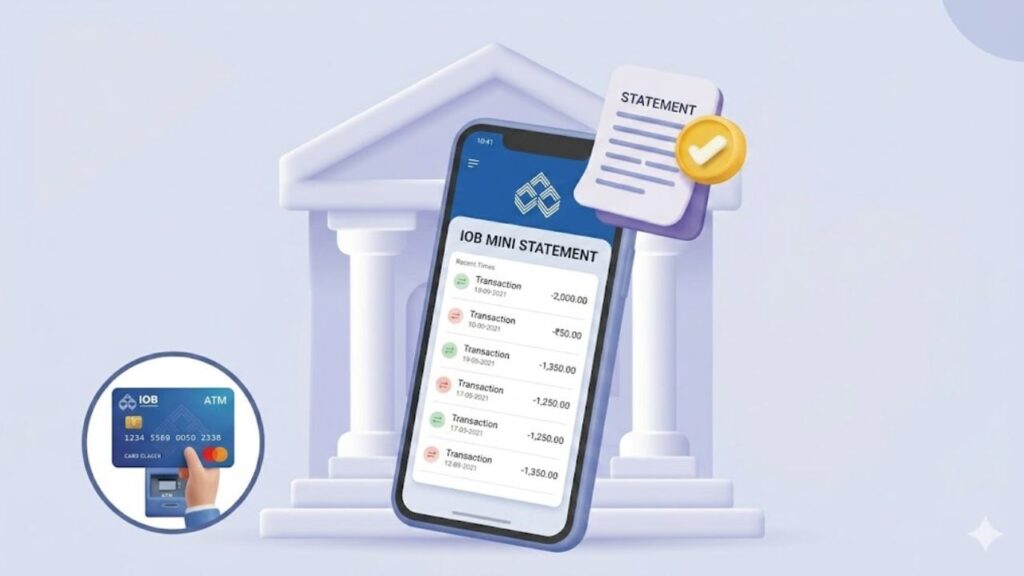
Keeping track of your recent transactions is essential for maintaining financial health and spotting unauthorized activities early. Indian Overseas Bank (IOB) provides several hassle-free ways for its customers to fetch a mini statement—showing the last 5 to 10 transactions—without the need to visit a bank branch.
Whether you have a smartphone with high-speed internet or a basic feature phone with no connectivity, IOB has an option tailored for you. This guide outlines the exact, step-by-step methods to get your IOB mini statement instantly.
1. Quick Offline Methods (No Internet Required)
If you are traveling, out of data, or using a basic feature phone, these offline banking methods are the fastest tools at your disposal.
Method A: The Missed Call Service (Free & Instant)
This is the absolute quickest offline way to check your recent transactions.
- From your registered mobile number, dial the IOB Mini Statement Number: 8424022122.
- The call will automatically disconnect after two rings.
- Within a few seconds, you will receive an SMS from the bank displaying your last 5 transactions.
Method B: SMS Banking
If the missed call network is busy, you can use a direct SMS command.
- Open the messaging app on your phone.
- Type the text message in this exact format:
MINI <space> Last 4 Digits of your Account Number(Example:MINI 1234). - Send this text to 8424022122 from your registered mobile number.
- You will receive an automated text message reply detailing your mini statement.
Method C: ATM Passbook Printing
- Visit any nearby Indian Overseas Bank ATM or any partner bank ATM.
- Insert your active IOB Debit Card, select your language, and enter your secure 4-digit ATM PIN.
- On the main menu screen, select the option labeled ‘Mini Statement’.
- Choose your account type (Savings or Current). The machine will instantly print a physical slip detailing your recent transactions.
2. Advanced Online Methods (Smartphone & Web)
For users who want a rich, interactive look at their transaction history, IOB provides robust digital banking options.
Method A: WhatsApp Banking
IOB offers an official, encrypted WhatsApp interface to manage account summaries instantly.
- Save the official IOB WhatsApp Banking number: +91 8424022122 to your contacts list.
- Open WhatsApp and send the message “Hi” from your registered mobile number.
- Select your preferred language and accept the terms and conditions.
- From the interactive main menu that appears on your screen, tap or reply with the option for ‘Mini Statement’ to instantly view your ledger directly inside the chat window.
Method B: IOB Connect Mobile Banking App
- Download and open the official IOB Connect application from the Google Play Store or Apple App Store.
- Log in securely using your 6-digit login passcode or biometrics.
- Navigate to the main dashboard menu and select the ‘Account Details’ or ‘My Accounts’ section.
- Tap on ‘Mini Statement’ to view your recent statements on your screen. You can also use this app to request detailed statements via email.
Method C: IOB Internet Banking Portal
- Go to the official Indian Overseas Bank Portal.
- Select ‘Internet Banking’ and log in securely using your User ID and Login Password.
- From the main account dashboard, click on the ‘Account Statement’ tab.
- Navigate to Enquiry > Mini Statement to view a live breakdown of your last five financial transactions.
Summary Comparison of Methods
| Method | Dedicated Number / Path | Connectivity Requirement | Expected Output | Cost |
| Missed Call | 8424022122 | No Internet Required | SMS with last 5 entries | Free |
| SMS Banking | MINI <Last4> to 8424022122 | No Internet Required | SMS with last 5 entries | Standard SMS Charges |
+91 8424022122 | Internet Required | In-app message block | Free data usage | |
| Mobile App | IOB Connect App Dashboard | Internet Required | Digital screen view | Free data usage |
| ATM Terminal | Any Bank ATM Location | Physical Terminal | Printed paper receipt | Free |
Important Pre-Requisite: Mobile Number Registration
To access the missed call, SMS, or WhatsApp banking channels, your active mobile number must be linked to your IOB account database. If it is not registered yet, you can set it up by following these steps:
- Visit your local Indian Overseas Bank home branch.
- Request a Customer Profile Update / Mobile Registration Form.
- Fill out your details carefully, specifying your 15-digit account number and the phone number you wish to link.
- Submit the form along with a self-attested photocopy of a valid identity proof, such as your [Aadhaar Redacted] or PAN card.
- Once updated by the branch officials, you will receive an SMS confirmation enabling all mini statement options.
Conclusion
Indian Overseas Bank makes tracking your finances simple and flexible. If you are offline, a quick missed call to 8424022122 is all it takes to get an update. For a deeper look, the IOB Connect app or WhatsApp banking can provide a quick digital summary. Regularly monitoring these statements helps protect your hard-earned money and keeps your account secure.
For more simplified financial tutorials, banking tool updates, and digital compliance guides, make sure to visit Sarkari Bakery to easily stay on top of your financial management.
Frequently Asked Questions (FAQs)
If you prefer a visual guide on navigating digital banking steps to pull a statement, you can watch this helpful IOB Account Statement Mobile Tutorial. This video walks through the digital steps to view or download statement histories easily on your smartphone.