
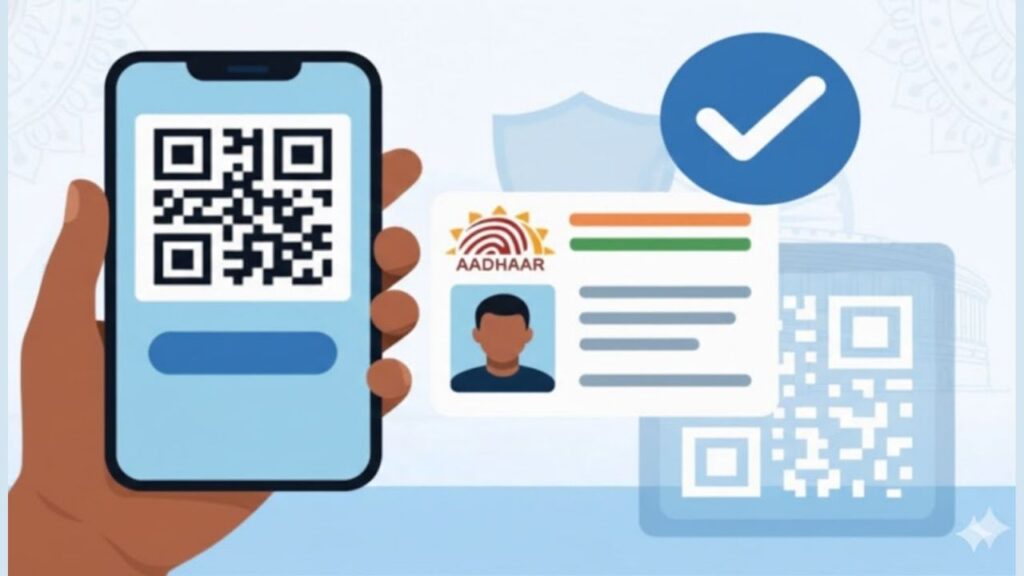
Many people notice a black-and-white square printed on their Aadhaar card but don’t fully understand its importance. This Aadhaar QR Code is not just a design element—it plays a major role in identity verification, security, and quick authentication. Today, Aadhaar QR codes are widely accepted across banks, government offices, and private institutions because they reduce fraud and speed up verification.
Understanding how the Aadhaar QR code works can help you use it correctly and avoid unnecessary document rejections.
⭐ What Is an Aadhaar QR Code?
The Aadhaar QR Code is a digitally signed, encrypted code generated by UIDAI and printed on Aadhaar cards (both physical and e-Aadhaar). It stores verified Aadhaar details in a machine-readable format.
Unlike photocopies or screenshots, the QR code carries tamper-proof data that can be instantly validated using UIDAI-authorised scanners.
⭐ What Information Is Stored in Aadhaar QR Code?
The QR code contains limited but verified information, such as:
- Name of Aadhaar holder
- Aadhaar number (masked or full, depending on version)
- Date of birth or year of birth
- Gender
- Address
- Photograph
- UIDAI digital signature
This data cannot be edited or altered manually, which makes it highly reliable.
⭐ How Aadhaar QR Code Works (Step-by-Step)
Here’s how the Aadhaar QR code verification process works in real life:
- An official or institution scans the QR code using a UIDAI-approved app or scanner
- The scanner decrypts the data stored in the QR code
- UIDAI’s digital signature is verified
- Details displayed on screen are matched with the person present
- Verification is completed without internet or OTP
This entire process takes just a few seconds.
⭐ Why Aadhaar QR Code Is Considered Secure
Aadhaar QR codes are safer than photocopies because:
- Data is encrypted and digitally signed
- Cannot be edited or photoshopped
- No biometric data is shared
- Works offline (no data leak risk)
- Accepted as valid proof by many authorities
This makes QR-based Aadhaar verification ideal for quick identity checks.
⭐ Where Aadhaar QR Code Is Commonly Used
Banking and Finance
- Account opening
- KYC verification
- Loan documentation
- Identity confirmation during updates
Government Services
- Certificate applications
- Pension and subsidy verification
- Ration card and welfare schemes
- State and central government offices
Employment and Education
- Employee onboarding
- Background verification
- College admissions
- Exam identity checks
Travel and SIM Verification
- SIM activation
- Hotel check-ins
- Document verification at service centres
If your Aadhaar details are outdated, you should complete the update first. Checking your Aadhaar update history helps confirm whether the QR data is current.
⭐ Difference Between Aadhaar QR Code and Photocopy
| Aadhaar QR Code | Aadhaar Photocopy |
|---|---|
| Digitally verified | Easy to tamper |
| UIDAI signed | No authenticity check |
| Works offline | Needs manual verification |
| More secure | Risk of misuse |
Because of these differences, many offices now prefer QR code scanning over paper copies.
⭐ Masked Aadhaar QR Code – What You Should Know
Masked Aadhaar also contains a QR code, but:
- Only last 4 digits of Aadhaar are visible
- Full number remains hidden
- QR code still verifies full details securely
This is ideal when you want to protect your Aadhaar number but still prove identity.
⭐ Common Problems People Face With Aadhaar QR Code
Some frequent issues include:
- Blurry or damaged QR code print
- Old Aadhaar with outdated address
- Scanning with non-authorised apps
- Using screenshots instead of original PDF
If your QR code is not readable, downloading a fresh e-Aadhaar or visiting an Aadhaar centre via Aadhaar appointment is the best solution.
⭐ Is Aadhaar QR Code Mandatory Everywhere?
Not legally mandatory, but widely accepted and preferred. Many institutions ask for Aadhaar QR code because:
- It reduces verification time
- Prevents fake documents
- Requires no OTP or biometric
In practical terms, QR code-based Aadhaar is becoming the default identity method.
⭐ When Should You Update Aadhaar QR Code?
You should update Aadhaar if:
- Address or name has changed
- Photo is outdated
- Mobile number was updated recently
- Old Aadhaar card has no QR code
After any update, a new QR code is generated automatically.
🔚 Conclusion
The Aadhaar QR code is a powerful, secure, and fast identity verification tool that simplifies everyday processes—from banking to government services. Knowing how it works helps you avoid rejections, delays, and unnecessary document hassles. Keeping your Aadhaar details updated ensures the QR code always reflects accurate information.
For clear, practical explanations of Aadhaar, banking, and government documentation in simple language, visit Sarkari Bakery.