How Government Certificates Are Issued in India: A Complete Process Guide
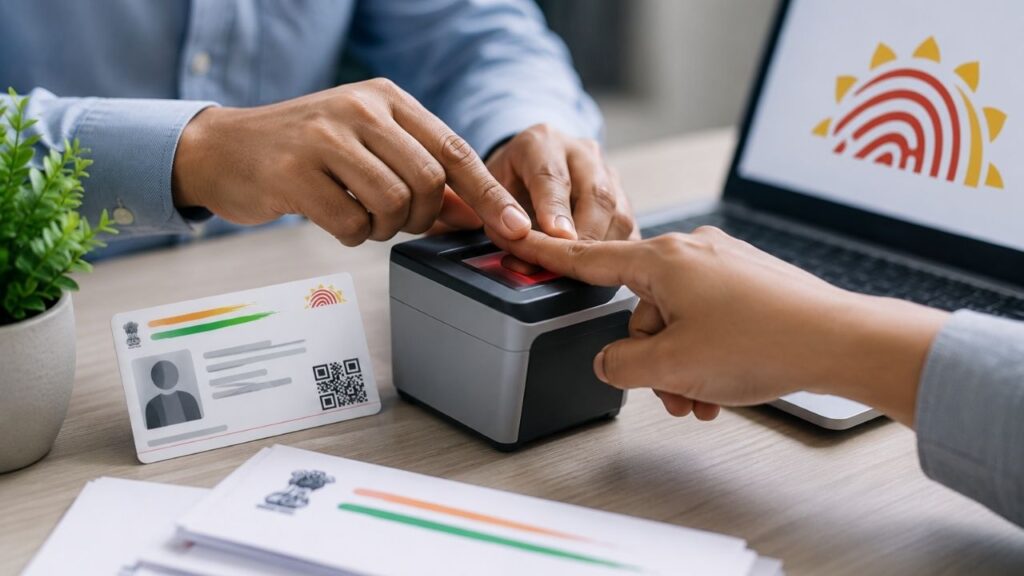
People across India apply for government certificates at different stages of life—school admissions, jobs, loans, welfare schemes, property matters, or legal verification. Despite being common, many citizens struggle with delays, rejections, or repeated visits to offices simply because they do not understand how government certificates are actually issued. This guide explains the real, end-to-end process followed by Indian government departments, what happens behind the scenes after you apply, and how you can avoid common mistakes that slow things down. ⭐ What Are Government Certificates and Why They Matter? Government certificates are official documents issued by authorised authorities to confirm facts about a person, family, or property. These documents act as legal proof and are recognised by courts, banks, schools, employers, and government departments. Common situations where certificates are required: Without valid certificates, applications are often rejected outright. ⭐ Common Types of Government Certificates in India Different certificates serve different purposes. Some of the most frequently issued ones include: Each certificate follows a similar framework, but the issuing authority and verification rules vary. ⭐ Who Issues Government Certificates? Certificates are issued only by authorised government bodies, such as: Applying through agents or middlemen does not speed up the official process and often leads to errors. ⭐ Step-by-Step Process of Certificate Issuance in India Although the certificate type may differ, the core process remains almost the same nationwide. ⭐ Step 1: Application Submission Applications can be submitted: You must enter personal details carefully and upload or attach documents. ⭐ Step 2: Document Verification Authorities verify: Documents such as Aadhaar, ration card, voter ID, or residential address proof are commonly checked. Any mismatch here leads to rejection or delay. ⭐ Step 3: Field or Local Verification (If Required) For certificates like domicile, income, or caste: may physically verify: This step is often the longest delay point. ⭐ Step 4: Approval by Competent Authority After verification, the file goes to: They approve or reject based on rules and reports. ⭐ Step 5: Certificate Generation & Delivery Once approved: Most certificates now carry QR codes or digital signatures. ⭐ Online vs Offline Certificate Issuance Aspect Online Offline Speed Faster Slower Transparency High Medium Tracking Available Limited Errors Fewer More Visits Required Minimal Multiple Online systems reduce corruption and dependency on agents. ⭐ Processing Time for Government Certificates Processing time depends on: General timeline: Delays mostly occur due to incorrect documents or address mismatch. ⭐ Common Reasons for Rejection or Delay Many applications fail for avoidable reasons: Fixing mistakes early saves weeks of delay. ⭐ Important Rules Most People Don’t Know Understanding rules helps avoid panic later. ⭐ What to Do If Your Certificate Is Rejected? If rejected: Never submit repeated applications without corrections. 🔚 Conclusion Government certificate issuance in India is no longer a mystery, but success depends on correct information, accurate documents, and patience. Knowing how the system works helps you avoid middlemen, reduce delays, and get certificates without stress. For clear, trustworthy guidance on certificates, documents, and government processes, visit Sarkari Bakery. ❓ Frequently Asked Questions (FAQs)