How To Check IOB Balance By SMS, Missed Call, ATM & Internet Banking
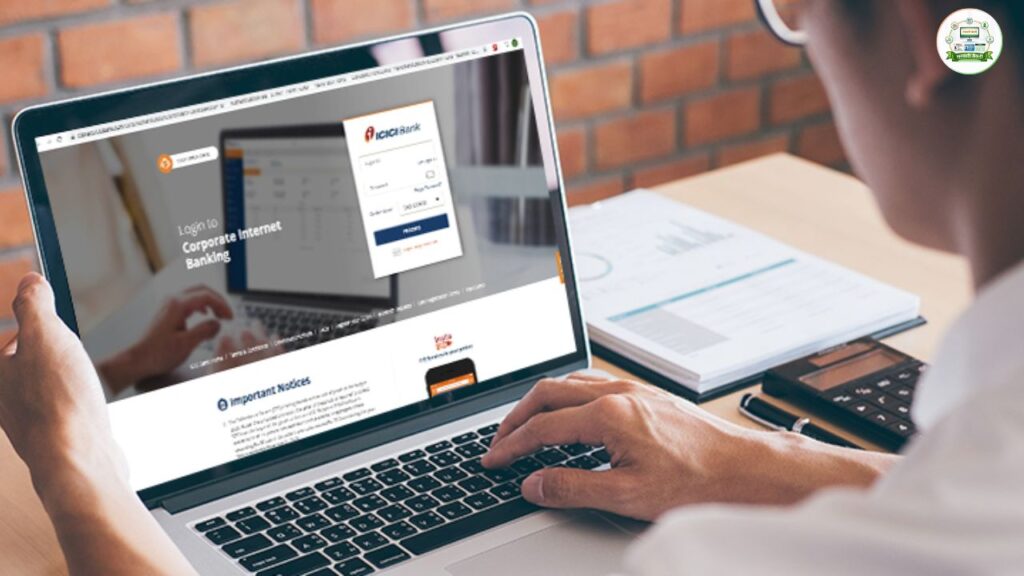
Indian Overseas Bank (IOB) allows customers to check their account balance using multiple online and offline methods. Whether you have internet access or not, you can instantly know your balance through missed call, SMS banking, ATM, UPI, mobile app, or USSD code. Below is a complete step-by-step guide with proper numbers and exact actions you need to take. IOB Balance Check – Complete Method Table Method Access Type Requirement Exact Number / Action Missed Call Offline Registered Mobile Number Dial 9210622122 or 9289222029 SMS Banking Offline Registered Mobile Number Send BAL <Last 4 digits> to 8424022122 Toll-Free Enquiry Offline Any Mobile Call 1800 890 4445 or 1800 425 4445 Internet Banking Online User ID & Password Login at official IOB net banking portal Mobile Banking App Online MPIN / Login Use IOB Mobile App → View Account Balance ATM Offline ATM Card + PIN Insert card → Select Balance Enquiry Passbook Offline Physical Passbook Visit branch and update passbook UPI Online UPI PIN Open UPI App → Check Account Balance USSD Code Offline Registered Mobile Number Dial 9952# and follow menu Indian Overseas Bank Balance Enquiry Numbers Here are the important official numbers: Service Number IOB Toll-Free Customer Care 1800 890 4445 / 1800 425 4445 IOB Missed Call Balance Enquiry 9210622122 / 9289222029 IOB SMS Banking 8424022122 IOB USSD Code 9952# Your mobile number must be registered with the bank for missed call, SMS, and USSD services. Detailed Methods to Check IOB Account Balance 1️⃣ Check IOB Balance by Missed Call This is the fastest method. What You Need To Do: No internet required. 2️⃣ Check IOB Balance by SMS You can check balance by sending a simple SMS. SMS Format: Type: BAL <Last 4 digits of Account Number> Send to: 8424022122 Example: If your account number ends in 1234, send: BAL 1234 You will receive your balance details via SMS. 3️⃣ Check IOB Balance Through Toll-Free Number You can call customer care for assistance. Dial: Follow IVR instructions to check your account information. 4️⃣ Check IOB Balance Through Internet Banking If you are registered for internet banking: Steps: You can also download statements from here. 5️⃣ Check IOB Balance Through ATM Steps: You can print receipt if needed. 6️⃣ Check IOB Balance Through Mobile Banking App Steps: This method gives instant access anytime. 7️⃣ Check IOB Balance Through UPI You can use: Steps: 8️⃣ Check IOB Balance Through USSD Code (No Internet Required) Works on basic phones. Steps: Important Safety Tips Conclusion Indian Overseas Bank provides multiple balance enquiry options for both online and offline users. Whether you prefer missed call service, SMS, ATM, UPI, or internet banking, you can check your account balance quickly and securely. For more detailed banking and government service guides, visit Sarkari Bakery. Frequently Asked Questions