How Aadhaar Is Used in Banking and KYC Verification
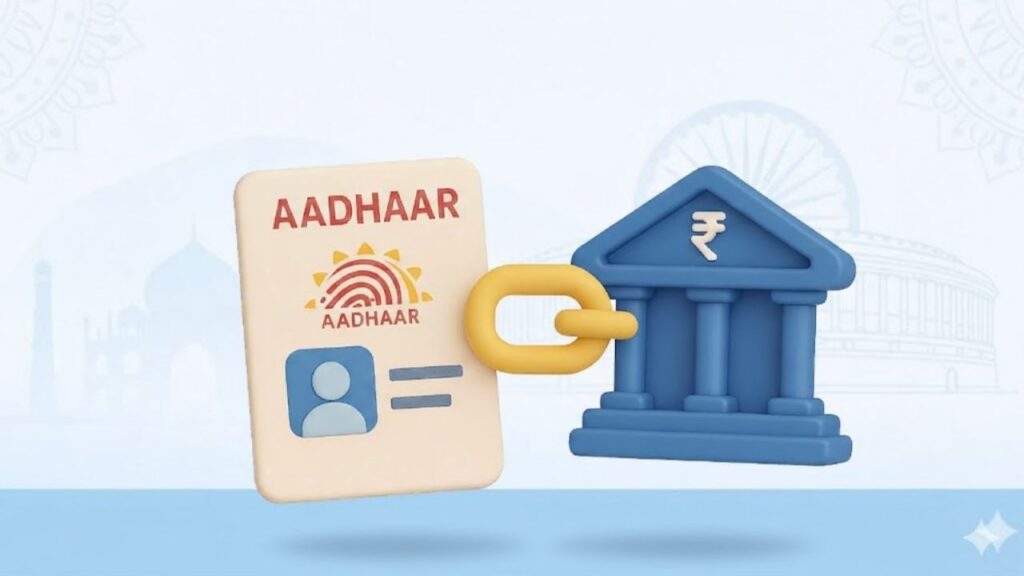
Opening a bank account, updating details, or completing KYC used to mean standing in long queues with multiple documents. Aadhaar changed that experience completely. Today, Aadhaar is at the core of banking and KYC verification in India, making identity checks faster, safer, and more reliable. Banks rely on Aadhaar not just as an ID proof, but as a real-time verification tool that reduces fraud and simplifies customer onboarding. ⭐ Why Banks Rely on Aadhaar for KYC Banks must follow strict Know Your Customer (KYC) norms set by regulators to prevent fraud, money laundering, and identity misuse. Aadhaar helps banks because: Unlike older documents, Aadhaar is linked with fingerprints, iris scans, and a central database, making impersonation extremely difficult. ⭐ How Aadhaar-Based KYC Works in Banking Aadhaar-based KYC works through electronic verification instead of physical document checks. Step-by-step process: This process is known as e-KYC, and it can be completed within minutes without submitting photocopies. ⭐ Types of Aadhaar KYC Used by Banks Banks use Aadhaar in different ways depending on the service: ✔️ Aadhaar OTP-based e-KYC ✔️ Biometric Aadhaar KYC ✔️ Offline Aadhaar Verification Each method balances convenience and privacy based on customer choice. ⭐ Where Aadhaar Is Used in Banking Services Aadhaar plays a role across multiple banking activities: For many services, Aadhaar-based KYC avoids repeated document submission. ⭐ Aadhaar Linking and Compliance Requirements Banks often require Aadhaar linkage to comply with government regulations, especially for: This is similar to how Aadhaar is required in PAN linking, where mismatches can lead to restrictions on financial services. ⭐ Security and Privacy in Aadhaar-Based KYC Many users worry about data misuse. In reality, Aadhaar-based banking verification follows strict safeguards: Using offline Aadhaar or QR-based verification further reduces data exposure. ⭐ Common Problems Customers Face with Aadhaar KYC Despite its benefits, Aadhaar KYC can fail due to small issues: In such cases, booking an Aadhaar appointment to update details usually resolves the issue quickly. ⭐ Aadhaar vs Other KYC Documents in Banking While Aadhaar is widely used, banks still accept alternatives: However, Aadhaar remains the fastest option because it enables instant digital verification, unlike manual document checks. ⭐ Consequences of Not Completing Aadhaar KYC If Aadhaar-based KYC is incomplete or outdated: Regular KYC updates ensure uninterrupted banking access. 🔚 Conclusion Aadhaar has become the backbone of banking and KYC verification in India. From opening accounts to preventing fraud, it simplifies processes while improving security. When used correctly—with updated details and proper consent—it saves time for both banks and customers. For clear guidance on Aadhaar, banking rules, and official documentation explained in simple terms, visit Sarkari Bakery. ❓ Frequently Asked Questions