
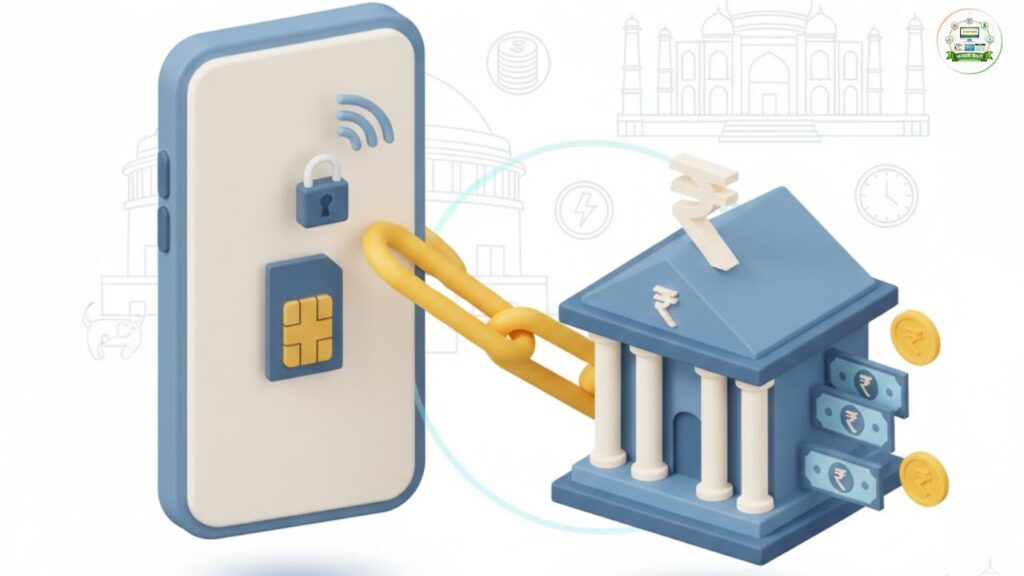
In today’s digital banking system, your mobile number is more than just a contact detail — it is your primary security layer. Whether you are using UPI, net banking, ATM services, or receiving transaction alerts, an active mobile number linked to your bank account is mandatory.
Many users face issues like failed OTPs, blocked transactions, or inability to reset passwords simply because their mobile number is not updated in the bank records. This guide explains how to link or update your mobile number with your bank account online, offline, through ATM, and how to check linking status properly.
⭐ Why Linking Mobile Number to Bank Account Is Important
Linking your mobile number ensures:
- OTP verification for online transactions
- Real-time debit and credit alerts
- Protection from unauthorised transactions
- UPI activation and verification
- Net banking password reset
- Account balance and mini statement through SMS
Without a registered mobile number, digital banking services may not function properly.
⭐ Ways to Link Mobile Number With Bank Account
There are multiple methods depending on whether you have internet access or not.
⭐ 1. Through Net Banking (Online Method)
This is the easiest method if you already use internet banking.
Step-by-Step Process:
- Visit your bank’s official website
- Log in to your internet banking account
- Go to Profile / My Profile / Personal Details
- Select Update Contact Details
- Choose Update Mobile Number
- Enter your new mobile number
- Authenticate using password or transaction PIN
- Enter OTP received on your new mobile number
- Submit the request
Usually, the mobile number is updated within 24 to 48 hours.
⚠ Important: Your new number must be active and able to receive OTP.
⭐ 2. Through Mobile Banking App
If you use your bank’s official app:
Steps:
- Open the mobile banking app
- Login using mPIN or password
- Go to Profile / Settings
- Select Update Contact Details
- Enter new mobile number
- Verify using OTP
- Confirm submission
This method is fast and usually updates instantly or within one working day.
⭐ 3. Through ATM (Without Internet)
If you don’t use net banking:
Steps:
- Visit your bank’s ATM
- Insert debit card
- Enter ATM PIN
- Select Mobile Registration / Update Mobile Number
- Enter your new mobile number
- Confirm details
- Enter OTP received
- Confirm request
The number usually updates within 24–48 hours.
⭐ 4. Visiting Bank Branch (Most Reliable Method)
If your old mobile number is inactive or you cannot receive OTP:
Steps:
- Visit your home branch
- Carry:
- Aadhaar Card
- Bank passbook
- Debit card (if available)
- Fill Mobile Number Update Form
- Submit form to bank official
- Complete biometric or signature verification
Branch updates are usually processed within 1–3 working days.
⭐ How to Check Mobile Number Linked With Bank Account
After updating, it’s important to verify.
✔ Method 1: Mobile Banking App
- Go to Profile section
- Check masked mobile number (e.g., XXXXX1234)
✔ Method 2: Internet Banking
- Login and check Personal Details section
✔ Method 3: ATM
- Insert card
- Choose Profile / Mobile Registration
✔ Method 4: Customer Care
- Call official bank helpline
- Complete identity verification
- Ask for registered mobile confirmation
✔ Method 5: SMS Alert Check
If you receive transaction alerts, your number is already linked.
⭐ Benefits of Linking Mobile Number With Bank Account
✔ Enhanced Security
Immediate alerts help detect fraud instantly.
✔ Two-Factor Authentication
OTP verification reduces risk of hacking.
✔ Easy UPI Activation
UPI apps require SIM verification linked to bank.
✔ Password Recovery
Reset internet banking password easily.
✔ Real-Time Account Monitoring
Stay informed about debits, credits, and balances.
✔ Faster Complaint Resolution
Bank can contact you quickly for suspicious activity.
⭐ Common Problems and Solutions
❌ OTP Not Received
- Check network signal
- Ensure DND is not blocking bank SMS
- Contact bank if issue persists
❌ Old Number Inactive
You must visit bank branch with ID proof.
❌ Mobile Number Not Updating
- Check if Aadhaar is linked
- Ensure correct mobile number entered
- Wait 48 hours before raising complaint
⭐ Important Safety Tips
- Never share OTP with anyone
- Do not update number through unknown links
- Always use official bank website/app
- Keep SIM active to avoid banking disruption
- Inform bank immediately if SIM is lost
⭐ Conclusion
Linking your mobile number with your bank account is essential for secure and smooth banking. It enables OTP authentication, transaction alerts, UPI access, and quick password recovery. Whether you choose net banking, ATM, mobile app, or branch visit, the process is simple and quick.
Always ensure your registered mobile number remains active to avoid transaction failures or security risks. For more easy banking guides and government-related updates, visit Sarkari Bakery.