
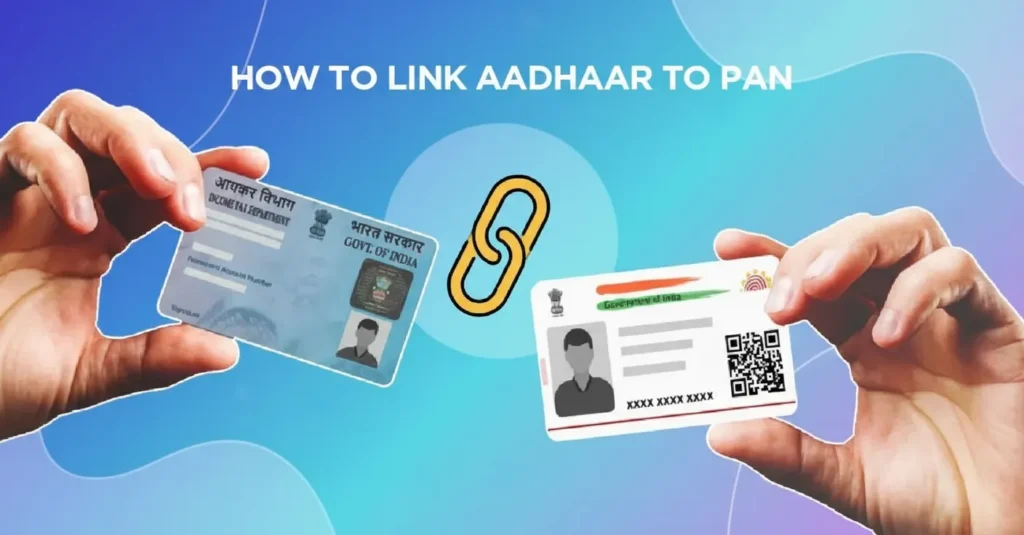
Linking your Aadhaar Card with your PAN Card is now mandatory for every Indian taxpayer. The Government of India has made it compulsory to link both documents to avoid penalties and to keep your PAN active.
In this guide by Sarkari Bakery, we’ll explain step-by-step how to link Aadhaar to PAN online, what documents are required, common errors, and how to check the linking status.
📋 Why You Should Link Aadhaar to PAN
Before we move to the process, let’s understand why linking Aadhaar and PAN is so important:
- 🧾 It helps prevent duplicate or fake PAN cards.
- 💰 It ensures smooth income tax filing and processing.
- 🪙 It keeps your financial transactions verified and valid.
- 🚫 If you fail to link Aadhaar and PAN, your PAN may become inoperative, and you could face a fine of ₹1,000.
So, it’s essential to link both cards before the due date.
🧠 What You Need Before Linking
Before starting the process, make sure you have the following ready:
- ✅ Active Aadhaar Number
- ✅ Active PAN Card Number
- ✅ Registered Mobile Number (linked with Aadhaar)
- ✅ Internet Connection
- ✅ Debit Card / UPI (if you need to pay ₹1,000 late fee)
🌐 How to Link Aadhaar to PAN Online via Income Tax Portal
Follow these simple steps to link your Aadhaar and PAN online using the official Income Tax Department portal.
🔹 Step 1: Visit the Official Website
Go to the official website of the Income Tax e-Filing Portal:
👉 https://www.incometax.gov.in/
🔹 Step 2: Click on “Link Aadhaar” Option
On the homepage, you will see the option “Link Aadhaar” under the Quick Links section.
Click on it to proceed.
🔹 Step 3: Enter Your Details
You will now see a form titled ‘Link Aadhaar’. Fill in the required details:
- PAN Number
- Aadhaar Number
- Name as per Aadhaar
- Mobile Number (linked with Aadhaar)
✅ Tick the box confirming that your Aadhaar details are correct.
🔹 Step 4: Pay ₹1,000 (If Applicable)
If your Aadhaar and PAN are not linked before the due date, you may need to pay a late fee of ₹1,000.
You can pay this fee directly through the portal via:
- UPI
- Debit Card
- Net Banking
- Credit Card
Once the payment is successful, go back to the Link Aadhaar page.
🔹 Step 5: Submit Your Linking Request
After entering all details and completing the payment (if required), click “Link Aadhaar”.
You’ll receive an OTP (One-Time Password) on your Aadhaar-linked mobile number.
Enter the OTP and click on Validate.
🔹 Step 6: Confirmation Message
Once your details are verified, you’ll see a message on the screen:
“Your Aadhaar has been successfully linked with your PAN.”
You’ll also receive an SMS confirmation from the Income Tax Department.
✅ How to Check Aadhaar-PAN Link Status
If you’ve already submitted your request and want to know whether your Aadhaar is linked with your PAN, here’s how you can check:
Step 1: Visit
👉 https://www.incometax.gov.in/
Step 2: Go to “Link Aadhaar Status”
Under the Quick Links, select “Link Aadhaar Status”.
Step 3: Enter Details
Enter your PAN and Aadhaar number, then click on “View Link Aadhaar Status”.
Step 4: See Your Result
You’ll see one of the following messages:
- ✅ “Your Aadhaar is already linked with PAN.”
- ⚠️ “Your request is under process.”
- ❌ “Your PAN and Aadhaar are not linked.”
🧾 How to Link Aadhaar to PAN via SMS
If you don’t have access to the internet, you can also link Aadhaar and PAN through SMS.
Format:
UIDPAN <SPACE> <12-digit Aadhaar Number> <SPACE> <10-digit PAN Number>
Example:
UIDPAN 123456789012 ABCDE1234F
Send this message to either of these numbers:
📱 567678 or 56161
⚠️ Common Errors and Fixes
| Issue | Possible Reason | Solution |
|---|---|---|
| Name mismatch | Spelling differences in Aadhaar & PAN | Correct the name in either Aadhaar or PAN before linking |
| Invalid OTP | OTP expired or mobile not linked | Request a new OTP and retry |
| PAN inoperative | Not linked before due date | Pay ₹1,000 fee and re-link |
| Aadhaar not active | Aadhaar not updated | Visit UIDAI website to update details |
📞 Contact Details
If you face any issues while linking Aadhaar with PAN, you can contact:
- Income Tax Helpdesk: 1800-103-0025
- Email: efilingwebmanager@incometax.gov.in
Or visit the nearest PAN service center / Aadhaar enrollment center for offline help.
💬 FAQs – Aadhaar PAN Link
🏁 Conclusion
Linking your Aadhaar and PAN Card is a small but crucial step for every taxpayer in India.
By linking both, you can enjoy seamless income tax services, avoid penalties, and ensure your financial records remain valid.
Stay updated with the latest government schemes, services, and online guides only at
👉 Sarkari Bakery — your trusted platform for verified government information.