
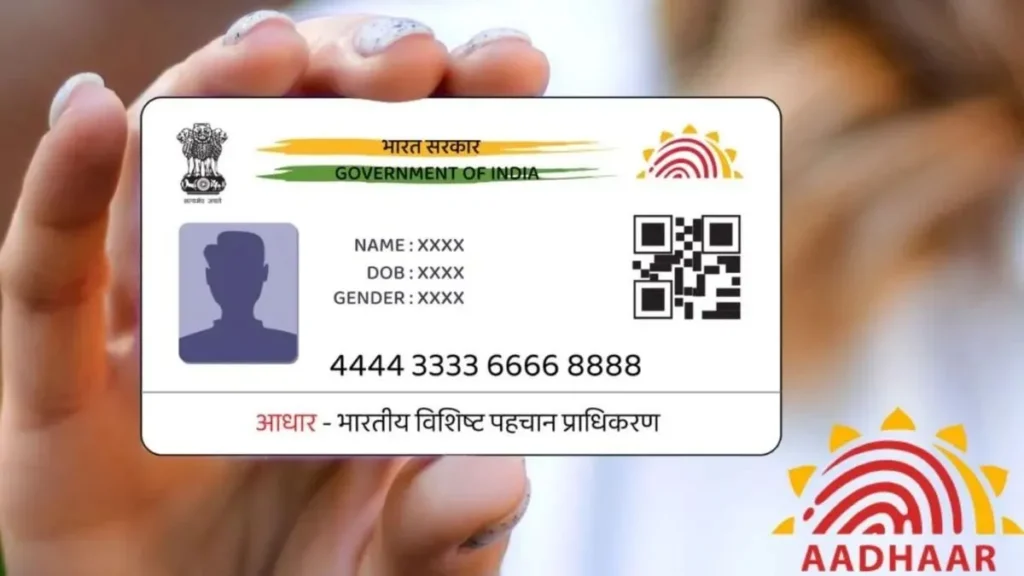
🪪 How to Change Name in Aadhaar Card Online & Offline (Step-by-Step Guide 2025)
Your Aadhaar Card is one of the most important identity documents in India.It’s used everywhere — from opening a bank account to availing government schemes. If your name is printed incorrectly on your Aadhaar Card or you’ve changed your name after marriage or for legal reasons, don’t worry!Here’s a complete step-by-step guide on how to change your name in Aadhaar Card — both online and offline. 🔹 Two Ways to Update Your Name in Aadhaar Card You can update your name in Aadhaar through two simple methods: Let’s go through both methods in detail 👇 🖥️ Method 1: Change Name in Aadhaar Online (At Home) If your mobile number is linked with Aadhaar, you can easily update your name from home using the UIDAI portal. ✳️ Step 1: Visit the Official UIDAI Website Go to 👉 https://myaadhaar.uidai.gov.in/ ✳️ Step 2: Log In to Your Account ✳️ Step 3: Choose “Update Aadhaar Online” After login, click on “Update Aadhaar Online” and select “Name” from the list of update options. ✳️ Step 4: Enter Your Correct Name Type your new or correct name exactly how you want it printed.Double-check the spelling before proceeding. ✳️ Step 5: Upload Supporting Document You must upload a valid proof of name change.Accepted documents include 👇 ✅ List of Accepted Documents: Upload a clear scanned copy (PDF or JPG) of any one of these. ✳️ Step 6: Pay the Update Fee ✳️ Step 7: Check Your Update Status You can track your update status here:👉 https://myaadhaar.uidai.gov.in/CheckAadhaarStatus Enter your URN to check progress.Usually, the update is completed within 7–10 working days. 🏢 Method 2: Update Name Offline (Aadhaar Centre) If your mobile number is not linked with your Aadhaar, you can visit the Aadhaar Seva Kendra or CSC Centre to update it offline. 📍 Step-by-Step Process: ⏱️ Processing Time It usually takes 7–15 working days for the name change to be processed.Once updated, you’ll receive an SMS notification on your registered mobile. You can then download your updated Aadhaar from 👉 https://myaadhaar.uidai.gov.in/ ⚠️ Important Tips Before You Update 📜 Quick Summary Table Step Action Mode 1 Visit UIDAI website Online 2 Log in with Aadhaar + OTP Online 3 Select “Name Update” Online 4 Upload valid proof Online 5 Pay ₹50 fee Online 6 Track status using URN Online 7 Visit centre if offline Offline 💬 Final Words A small spelling mistake or incorrect name on your Aadhaar can cause problems in banking, PAN linking, or government schemes.So it’s important to correct your name immediately to avoid future issues. With the online UIDAI system, you can now update your Aadhaar name easily from home — no need to stand in long queues! ✅